Brain

Target Rush: Aim Trainer

Click fast. Click true.

Ready to play
Music & volume
Your game audio

Start sound → Game music → Game-over sound. The start sound finishes before background music begins.

Background music is off.

This game’s soundtrackEDM 1

By Pudgyplatypus · CC0

Game setup & optionsModes, difficulty & style

Adjust options anytime. Changing rules or mode begins a fresh round.

How to play Target Rush

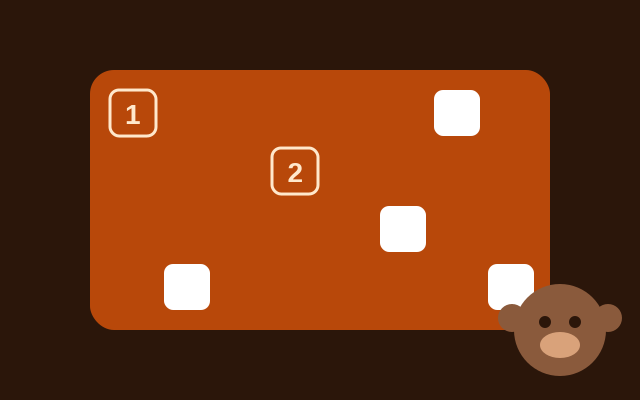
Hit the centre target to start. A new target appears somewhere in the arena each time you hit one. Click or tap all 30 as quickly as you can. Your score is the average time per target in milliseconds, plus your accuracy (clicks that missed count against it). Choose 15, 30 or 50 targets and Large, Normal or Small targets in Game setup.

Strategy & tips

Move in one smooth motion and click as you arrive rather than slowing down to line up perfectly. Keep your eyes on where the next target appears, not on the cursor.

What is an aim trainer?

An aim trainer measures how quickly and accurately you can move your cursor onto a target and click it. In Target Rush, 30 targets appear one at a time at random spots in the arena. As soon as you hit one, the next appears. Your score is the average time per target in milliseconds (lower is better), along with your accuracy.

Players use aim tests to warm up before shooters, to compare mice or sensitivity settings, or simply to see how sharp their hand-eye coordination is today.

What is a good aim trainer score?

Results depend heavily on your device. These ranges assume a mouse and Normal-size targets on a desktop screen:

Average per targetWhat it means
Over 700 msWarm-up pace, or using a trackpad or touch screen
550 – 700 msCasual mouse user
450 – 550 msTypical, steady aim
350 – 450 msFast — gamer-level speed
Under 350 msExcellent speed and control

How to improve your aim

  • Move in one smooth flick instead of slowing down to make tiny corrections.
  • Let your eyes jump to the new target first; your hand will follow.
  • Lower your mouse sensitivity if you keep overshooting.
  • Accuracy matters: missed clicks lower your accuracy, so do not spam-click.
  • Use the same mouse and screen each time so your scores are comparable.

Aim trainer settings explained

Choose 15 targets for a quick warm-up, 30 for the standard test, or 50 for an endurance run. Large targets are friendlier on phones and tablets; Small targets reward precise control. Each combination keeps its own personal best on this browser.
Questions, answered.

Rules, controls, and scoring details for a better round.

Still need help? Contact us ↗
What is a good aim trainer score?

With a mouse on Normal targets, many players average roughly 450 to 600 ms per target. Under 400 ms is quick; under 350 ms is excellent. Touch screens and trackpads are usually slower.

Can I use Target Rush on a phone or tablet?

Yes. Tap the targets instead of clicking. Touch scores are usually different from mouse scores, so compare yourself on the same device. Large targets are recommended on small screens.

Do missed clicks count?

A click on the empty arena counts as a miss. It does not add time directly, but it lowers your accuracy percentage.

Is Target Rush the same as Breeze Archery?

No. Breeze Archery is a physics archery game with wind and gravity. Target Rush is a pure click-speed and precision test.

How is Target Rush scored?

After the last target, you get your average time per target in milliseconds and your accuracy. Lower times are better. Each target count and size has its own best.

When does the clock start?

Each target is timed from the moment it appears until you hit it. The first centre target only starts the test and is not timed.

What if I switch tabs?

The test pauses. When you resume, a new target appears and its time starts fresh.

Do I need an account or a download?

No. Play directly in your browser. Favorites, preferences and the scores or progress supported by a game stay on this device. There is no online leaderboard or cloud save.

How do I control sound and appearance?

Use Sound beside the round controls to mute or enable audio. With music and effects enabled, the start sound plays first, followed by this game’s looping track, then one game-over sound when the round ends. Music & volume lets you choose music and effects independently; effects volume also controls start and game-over sounds. Audio starts off, pauses with the game or hidden tab, and restarts cleanly for a new round. Appearance settings stay in the header.

How can I report a bug or ask for help?

Open Contact in the navigation or footer and choose Help or Report a bug. Include the game name, your device/browser, the settings you used and what happened. You can also email contact@arcadebreeze.com.